Key Takeaways:
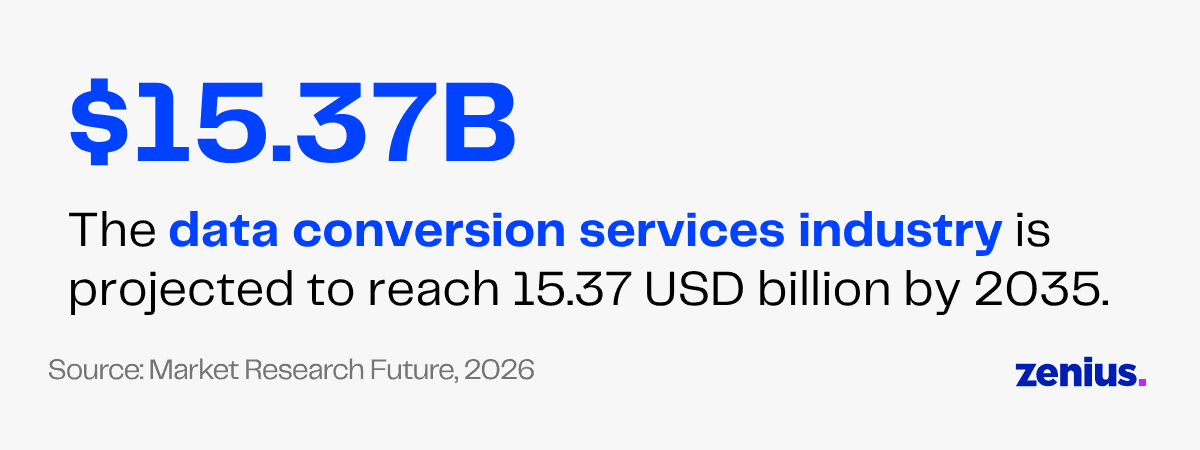
The data conversion services industry is projected to reach 15.37 USD billion by 2035.
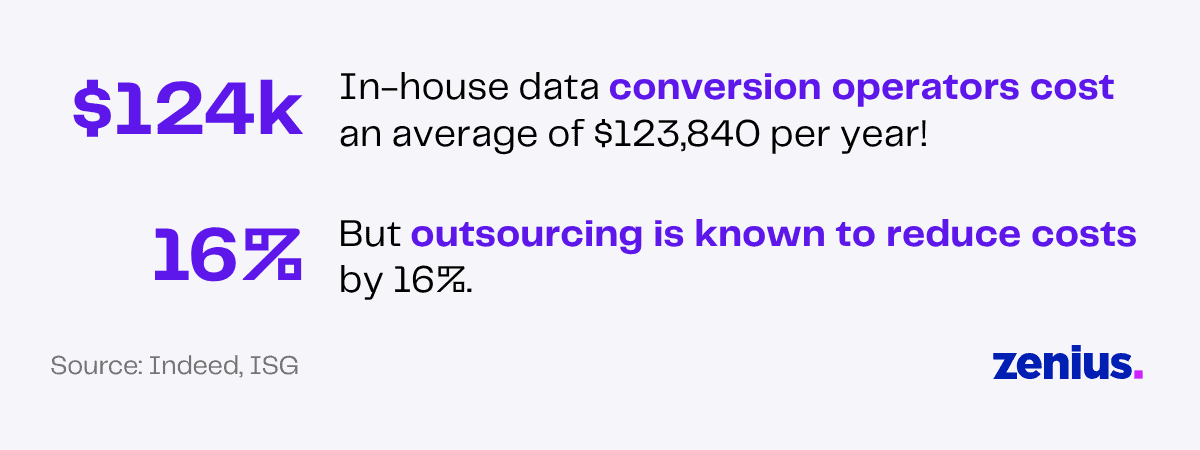
In-house data conversion operators cost an average of $123,840 per year! But outsourcing is known to reduce costs by 16%.
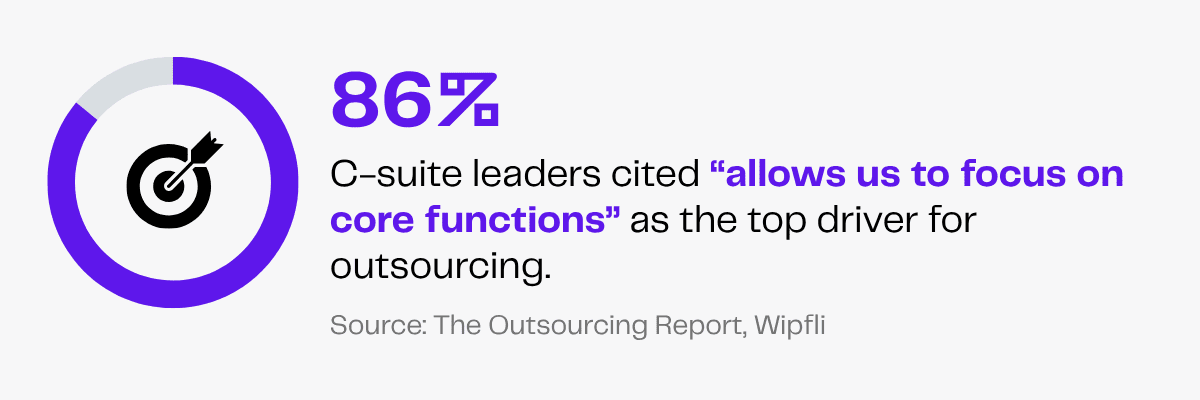
With 86% of C-suite leaders citing the ability to focus on core functions as the top driver for outsourcing, delegating data conversion tasks to VAs can accelerate internal workflows and save time.
Imagine searching for critical business information only to find it trapped in data silos, buried in incompatible systems or stored in the wrong file format.
Without proper data conversion and quality checks, businesses risk delays, errors and inaccessible information that slows down decision-making.
But managing huge volumes of data can quickly become time-consuming and monotonous.
This is where outsourcing data conversion services becomes a valuable solution!
From file format conversion (whether it’s PDF format or Excel format) to large-scale document digitization, virtual assistants can transform data into usable formats.
The right data in the right format can make all the difference. So stop letting your data sit in silos and start unlocking its full business value!
Why Do Businesses Convert Data?
The data conversion services industry is projected to reach 15.37 USD billion by 2035.
This reflects the rising demand for data accessibility, easier management and seamless analysis.
With technological advancements, businesses are adopting new software, migrating to cloud data platforms and handling increasing volumes of digital information. So, converting data accurately has become critical for maintaining operational efficiency.
Usually, companies handle large volumes of unstructured and unverified data. Data trapped in outdated systems, documents, PDFs, spreadsheets or incompatible databases can affect productivity and limit decision-making.
From client records and vendor data to sales revenue and operational expenses—every detail matters when you’re making financial decisions. With accurate, organized and quickly accessible data, you unlock the full potential of the available information.
Businesses need data conversion services to:
- Support system integration and migrations: Transferring data from legacy systems to modern software without losing critical data.
- Increase data accuracy: Validating and quality-checking during the conversion process helps keep data reliable.
- Enhance data accessibility: Converting files into formats that your teams can easily search, retrieve, share and use for their tasks.
- Improve decision-making: Organizing and standardizing data enables accurate reporting and analysis.
- Strengthen compliance: Maintaining consistent records preserves data integrity.
How To Convert Business Data Within Budget?
Data conversion is important for keeping business information usable, but handling it entirely in-house can quickly become expensive.
In fact, an in-house data conversion operator can cost an average of $123,840 per year!
You can affordably convert business data by outsourcing data conversion services. Outsourcing involves delegating internal tasks to an external third party, like freelancers or virtual assistants hired through a VA agency.
Compared with running operations in-house, outsourcing reduces costs by 16% and improves quality performance by 11%.
Whether it’s converting files into password-protected PDFs, transforming PDF files to editable spreadsheets or Word documents or using Optical Character Recognition (OCR) systems to extract image data, specialized virtual assistants can handle day-to-day data conversion tasks.
They can support businesses such as:
- Real estate: Transform property records, title documents, lease agreements and foreclosure files into searchable digital databases.
- Finance: Migrate customer information, loan records and transaction data between financial systems.
- E-commerce: Transfer product catalogs, inventory records and supplier data between platforms.
- HR: Transfer employee files, payroll records and onboarding documents into a unified HR management software.
Data Conversion Tasks To Outsource to Virtual Assistants
Virtual assistants can handle multiple data conversion tasks.
They can extract data from documents and images and enter it into spreadsheets, Word documents and CRM databases. They can also convert digital files into desired formats, like spreadsheets into PDFs.
Here are 6 data conversion tasks you can delegate to outsourced virtual assistants.
Converting Scanned Documents
Virtual assistants can convert scanned documents into digital records. They can also upload these digital documents to shared cloud folders or email them to relevant recipients for fast access.
Virtual assistants handle document conversion tasks by:
- Collecting scanned copies of physical files.
- Renaming these files using standard conventions (eg: name_type_date) to organize documents before conversion.
- Using OCR tools to extract text and numbers into digital formats.
- Extracting OCR-unrecognized data (like handwritten text, special characters and mathematical notations) and transcribing them.
- Entering extracted data into searchable and editable digital files and systems, such as Word documents, Excel spreadsheets, PowerPoint presentations and CRM databases.
Converting Image Data
Image files often contain valuable information that cannot be easily searched, analyzed or integrated into business systems.
Virtual assistants can convert image data into structured digital formats, transforming static visuals into usable business information.
By outsourcing image data entry services to VAs, you can retrieve records easily, improve accuracy, automate workflows and support faster decision-making.
Your VA will:
- Convert camera pictures, screenshots, scanned photos and other images into editable digital files using OCR software.
- Verify and proofread OCR-converted data to ensure accuracy.
- Extract text from image files and enter it into spreadsheets, databases or CRM databases.
- Extract product details from catalog images and upload them into inventory databases.
- Convert image-based charts, tables and reports into editable Word, MS Excel or PDF files.
- Remove backgrounds from product, property or document images to create clean, standardized digital assets for websites, social media, catalogs and marketing materials.
- Convert JPG files into TIFF format, making them suitable for high-quality printing.
Converting Files to PDFs
A single incompatible file format can slow down collaboration, delay approvals and create unnecessary frustration in already busy schedules of business professionals.
Converting files to PDF creates a universal format that preserves layouts, fonts and images across different devices and operating systems. PDFs are also easier to share, archive and secure, making them a reliable choice for your business documents, contracts, records and reports.
Virtual assistants can handle all tasks related to PDF conversion. They can:
- Convert various file formats (Word, Excel, PPT) into PDFs while maintaining their original formatting.
- Transfer text, tables and numbers from PDFs into spreadsheets and Word documents.
- Convert scanned PDFs into editable file formats such as documents and spreadsheets.
- Edit PDFs to add watermarks, signatures and other details.
- Create PDF forms with validated fields, i.e., required, optional and pre-filled (automated fields for the current date).
- Add bookmarks, page numbers or hyperlinks to PDF documents.
- Merge two or more files into a single PDF to create a comprehensive dataset.
- Split multi-page PDFs into two or more files based on the page range.
- Rename and organize PDF files according to storage guidelines.
- Compress PDF files to reduce storage space and facilitate sharing.
- Password-protect PDFs to prevent data corruption and theft resulting from unauthorized access.
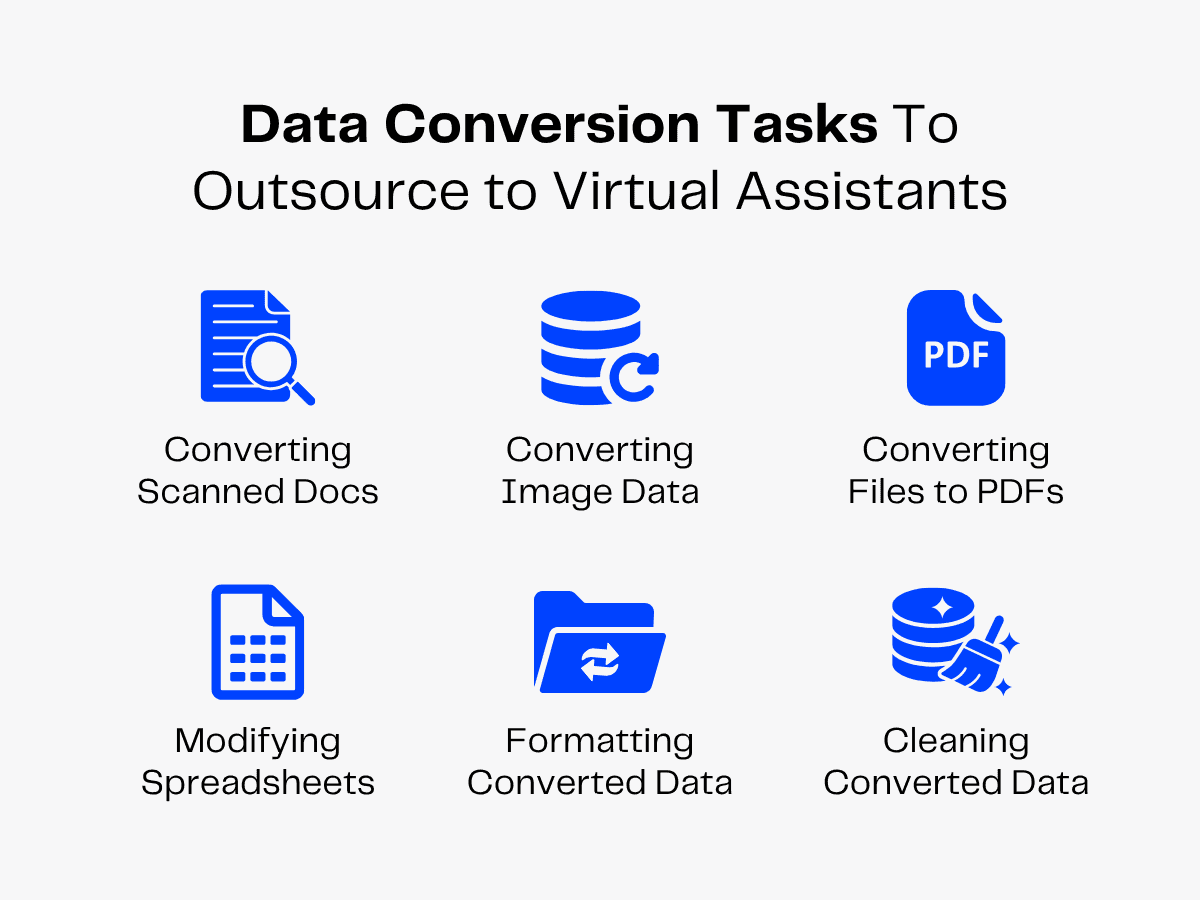
Modifying Spreadsheets
Virtual assistants can handle spreadsheet-related conversion tasks.
They can transfer data from Excel or Google Sheets into specific file formats suited to your business functions. For instance, VAs can extract client data from spreadsheets and document it in your CRM database to help manage leads.
They can also convert comma-separated value (CSV) documents into spreadsheets. CSV files use plain-text formatting and include a comma between distinct values. VAs can extract unformatted data from CSV files, format it in your preferred layouts and enter it into spreadsheets.
VAs can also convert spreadsheets into database-compatible CSV files. They can identify the tables, headers and values in sheets that aren’t needed in CSV files. Then they can remove these fields and standardize the remaining necessary fields to create database-ready CSVs.
Your VAs can also add logical rows and columns to convert unstructured data into comprehensible tables and add filters to simplify data sorting. They can also merge multiple sheets into a single dataset and split a large spreadsheet by use cases.
Formatting Converted Data
Unstructured data may contain valuable insights, but without a clear format, it can be difficult to use effectively.
Converting data is only the first step. To maximize its value, businesses must also format and organize the converted information into a consistent structure.
Properly formatted data will improve readability, reduce errors, support seamless system integration and make information easier to access.
Virtual assistants can handle data standardization tasks. They can:
- Format the date (MM/DD/YYYY) and time (AM/PM or military clock, UTC/GMT/IST) fields to ensure smooth collaboration across time zones.
- Standardize the address (street, city, ZIP code) fields in property databases to prevent listing errors.
- Normalize the name (apply title case) and phone number (prefix country code) fields in client databases to simplify lead management.
- Expand abbreviations (St. – Street, NY – New York) to prevent misinterpretations.
- Convert measurement units (currency – $, length – yards) and set decimal limits in numerical fields (“25.00” instead of “25.0”) to ensure easy, accurate, data-driven calculations.
Virtual assistants can also create standardized templates for repetitive data types. For instance, they can format the “email address” field in client spreadsheets to disallow values without the ‘@’ character. This can prevent data entry errors and boost data quality!
Cleaning Converted Databases
Even after successful data conversion, outdated records, duplicates and inconsistencies can prevent your database from delivering reliable insights.
Also, research shows that companies lose $12.9 million per year due to poor data quality.
Cleaning converted databases ensures that migrated data remains accurate, consistent and easy for use.
Virtual assistants can clean converted data to improve reporting accuracy. They can:
- Use the search filters and apply basic fuzzy-matching techniques to identify duplicate data.
- Compare repetitive values with other data fields to remove or merge duplicate entries.
- Merge or delete matching values to prevent confusion.
- Correct grammatical and numerical errors by removing improper punctuation, correcting misspellings and recalculating numerical figures for credibility.
- Organize cleaned data into different digital files to create data-based reports and presentations.
Advantages of Data Conversion Outsourcing
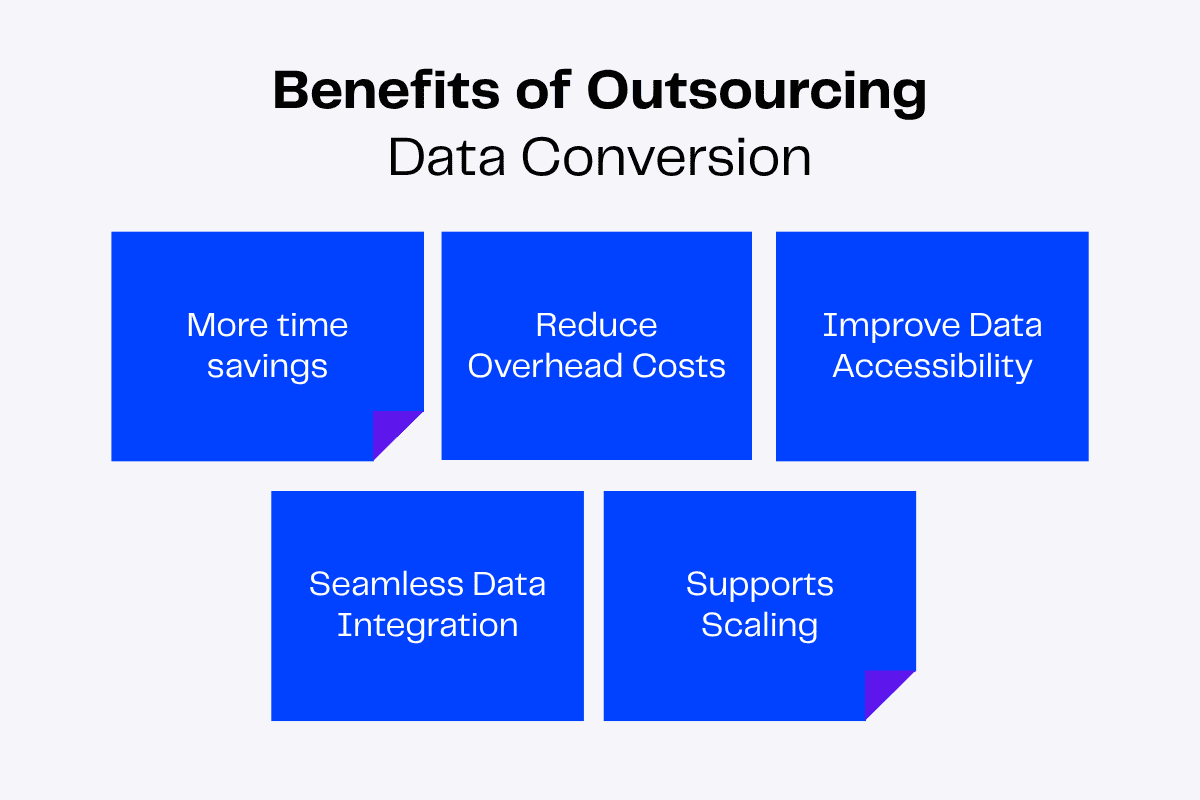
Virtual assistants support businesses across a wide range of industries by handling general and specialized tasks, helping teams save time, reduce costs and focus on core operations.
Outsourcing data conversion to VAs especially facilitates faster data modifications, accurate analysis and improved accessibility.
Here’s an overview of the benefits data conversion VAs bring to a business.
Saves Time
Allowing teams to focus on core functions is the leading driver behind outsourcing, as cited by 86% of C-suite leaders.
Outsourcing data conversion to virtual assistants can accelerate internal workflows and save time.
VAs can handle repetitive, time-consuming tasks such as changing file formats, extracting image data and editing PDFs and spreadsheets. They can also convert scanned documents into digital formats, which are faster to access and share.
They can also clean and standardize converted data to improve accuracy. This credible, organized data can reduce turnaround time and help you and your internal teams make quality decisions and resolve queries quickly!
Reduces Overhead Costs
Offshore outsourcing—delegating internal tasks to agencies in distant countries—allows you to hire overseas virtual assistants at lower rates than in-house employees.
As virtual assistants handle tasks remotely, they don’t require office space or new equipment. If you hire them through an agency like Zenius, you also save on employee benefits. This reduces overhead costs that you can use to grow your business.
Improves Data Accessibility
Virtual assistants help transform information from outdated, incompatible or unstructured formats into easily accessible digital files.
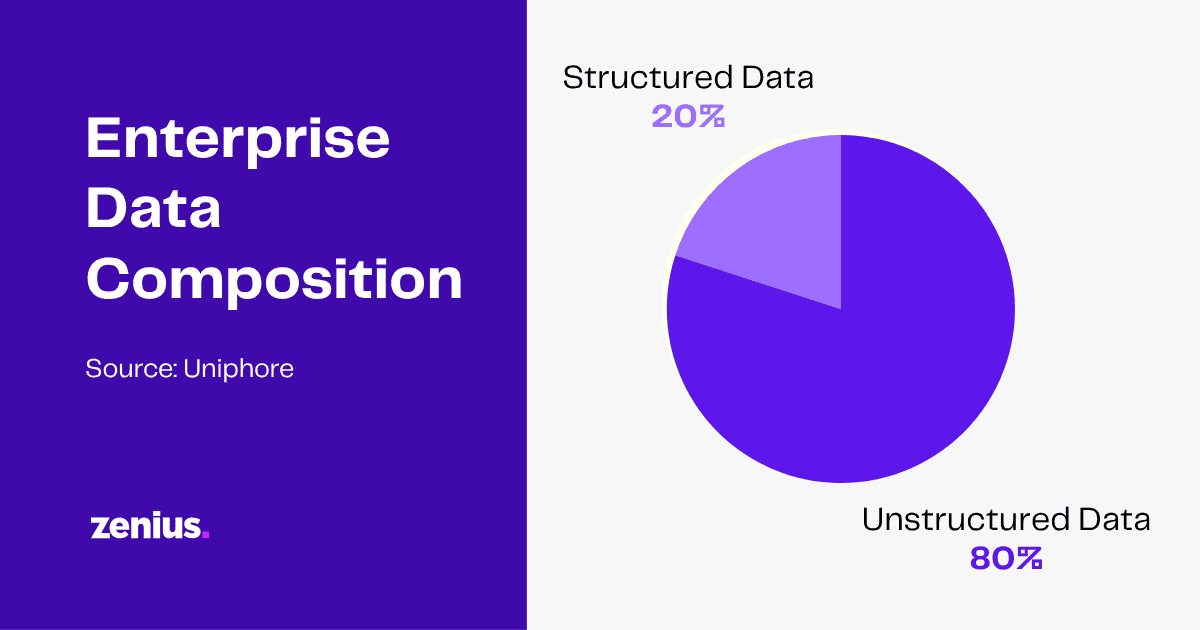
This makes it simpler for employees, stakeholders, business leaders and systems to locate, share and use critical business data whenever needed.
For instance, a real estate company can convert scanned property documents into searchable digital files, allowing agents to access details during client meetings quickly.
Improved accessibility reduces the time spent searching for information, minimizes workflow disruptions and supports faster decision-making across departments.
Enables Seamless Data Integration
Businesses often use multiple software applications and databases that store information in different formats.
A virtual assistant helps convert and standardize data so it can be easily integrated across various systems. This eliminates compatibility issues, reduces duplicate records and ensures information flows smoothly between platforms and departments.
For instance, an e-commerce company migrating customer information from an old CRM to a new platform needs a VA to reformat and transfer all data accurately without disrupting the workflow or causing unnecessary confusion.
Seamless data conversion enables your business to maintain consistent and up-to-date data throughout its operations.
Supports Scaling
As businesses grow, the volume of data they handle increases significantly.
By outsourcing business processes like data conversion, you can gain access to the global talent pool of skilled professionals who help manage this heavy workload without the expense of in-house resources.
Also, businesses can quickly expand their workforce by hiring more virtual assistants or building a virtual team without spending time and costs associated with recruitment.
VAs support growth while keeping operations lean and cost-effective.
Read More: The Importance of Virtual Teams in Organizations
Which Outsourcing Partner Suits Your Business?
You must select an appropriate candidate for data conversion tasks.
You can search for freelancers on job platforms like LinkedIn, Indeed and Glassdoor. But this can take weeks as you must assess applications, interview candidates and negotiate contracts.
You can avoid these time-consuming tasks by contacting a virtual assistant agency. They can help you hire a good virtual assistant quickly.
Still have doubts? Compare freelancers and agencies based on hiring factors, such as:
- Recruitment support: Businesses must source, screen and hire freelancers themselves, while agencies handle talent selection and recruitment, saving time and effort.
- Skill diversity: You can find talents with niche skills and industry experience when you hire through a VA agency compared to hiring freelancers.
- Availability: In case of unavailability, agencies often provide backups to ensure continuity, which is not the case for freelancers.
- Reliability: A freelancer’s availability and performance depends on one individual, whereas VAs hired through agencies offer greater accountability.
- Scalability: Businesses will need to spend time and energy scaling freelancers, whereas VA agencies provide access to professionals quicker.
To hire a virtual assistant from an agency, define your task requirements and set a budget. Deeply review the data conversion tasks you need help with and how much money you can spend. Combine them to create a comprehensive job description.
After finalizing a qualified candidate, you can begin onboarding your virtual assistant. To do this:
- Brief them on company policies and communication channels.
- Inform your VA about preferred data conversion standards (file names, data format, reference guides).
- Introduce them to your core employees.
- Exchange relevant and specific feedback based on their performance to help them improve.
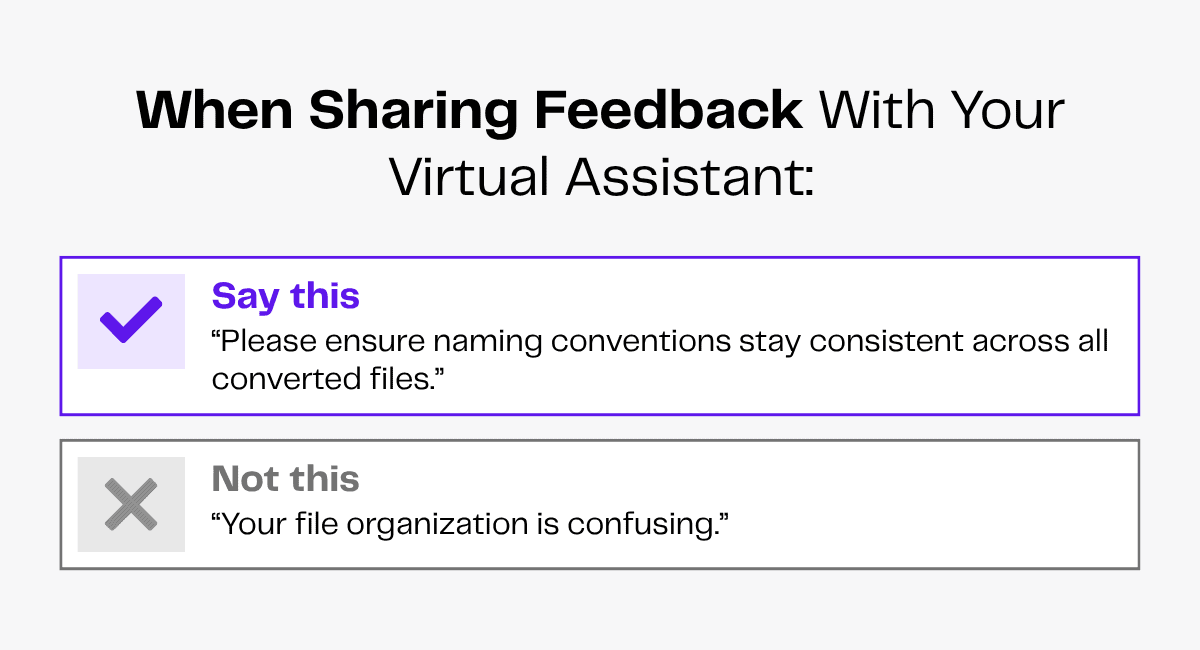
A productive start can help you achieve business goals and adapt to changing data conversion strategies.
How Is Data Conversion Changing in 2026?
AI and automation tools (like OCR) have changed data conversion processes. Companies are increasingly using these tools to meet the rising demand for compatible data formats.
But these tools have significant shortcomings that affect data quality. Virtual assistants can help you adapt to these changes while avoiding their limitations.
AI tools are useful for data extraction and entry. But they can’t process complex data.
Sean Nathaniel, the CEO of Upland and a leader in AI-powered knowledge says,
When organizations conflate data readiness with knowledge readiness, the AI can access the records but not the judgment behind them.
Why worry when virtual assistants can organize and convert unstructured data into uniformly formatted, useful information?
OCR systems can extract data from images. But OCR tools can’t process low-resolution photos and handwritten text. VAs can transcribe handwritten documents and identify texts in low-resolution pictures (or find high-quality images for the same data).
FAQs
What is the difference between data entry and data conversion?
Data entry involves inputting information into a system, while data conversion involves transforming data from one format, file type or structure into another.
Why should businesses consider outsourcing their data conversion projects?
Businesses should outsource their data conversion tasks to gain access to specialized skills while reducing time and costs associated with handling large-scale conversions in-house. Outsourcing allows internal teams to focus on core business processes while ensuring data is converted accurately.
What are the rules and best practices for data conversion?
The key best practices of data conversion include maintaining data integrity, validating converted records, standardizing formats, backing up original files, performing thorough quality checks and ensuring data security.
Final Thoughts
Your data is only as valuable as your ability to access, use and act on it.
Outsourcing data conversion services allows businesses to transform, organize and manage information more efficiently without burdening internal teams.
With virtual assistants, you access specialized skills, cost-effective support and easy scalability that keeps your operations running smooth.