
Key Takeaways
Professionals spend 38% of their time using Excel spreadsheets. By delegating data entry to an Excel VA, your team can focus on core tasks.
1.2 million companies use Microsoft Excel.
Beyond entering and organizing data, Excel VAs can apply VBA macros to automate tasks or use Excel add-ins for custom functions.
Since Microsoft first released its spreadsheet program in 1985, Excel has remained one of the most relied-upon programs for data management.
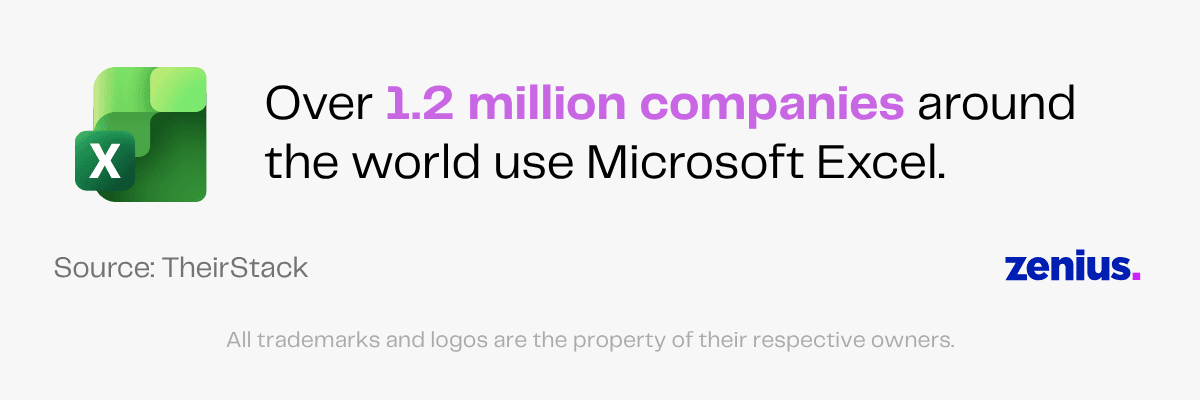
Despite the emergence of new technology, Excel has firmly stood the test of time. Over 1.2 million companies around the world, whether large or small, continue to use it.
Microsoft Office 365 also holds 31% of the market share in the worldwide office productivity technology category. Microsoft’s services like Word, Teams and Excel have become an integral part of every office.
Moreover, public opinion is that despite the many options available, Excel spreadsheets are not going anywhere anytime soon.
With Excel, you can feel assured that your valuable datasets are stored in a program that works for you.
But despite being beginner-friendly, using Excel requires skills and knowledge. This is especially true if you need to handle large amounts of data.
Luckily, you don’t need to spend your time and money learning Excel just to take care of tedious data management yourself. Instead, you can delegate this task to a virtual assistant (VA) for Excel spreadsheets.
This article will explore who Excel virtual assistants are and how they can help you manage your data.
Key Tasks Excel Virtual Assistants Can Perform
Excel is a flexible tool. It can be used to perform complex tasks, from gaming to creating pixel art.
Now, it is unlikely that you need a VA who can run Pac-Man for you in Excel in the middle of a busy day. But what it means is that Microsoft Excel and an Excel virtual assistant have huge potential for your business.
With the right professional, you can get creative in using the power of Excel for tactical and strategic data management.
VAs for Excel can take on this job and find the best ways to manage your data.
Here is a list of duties that a skilled virtual assistant can perform for you.
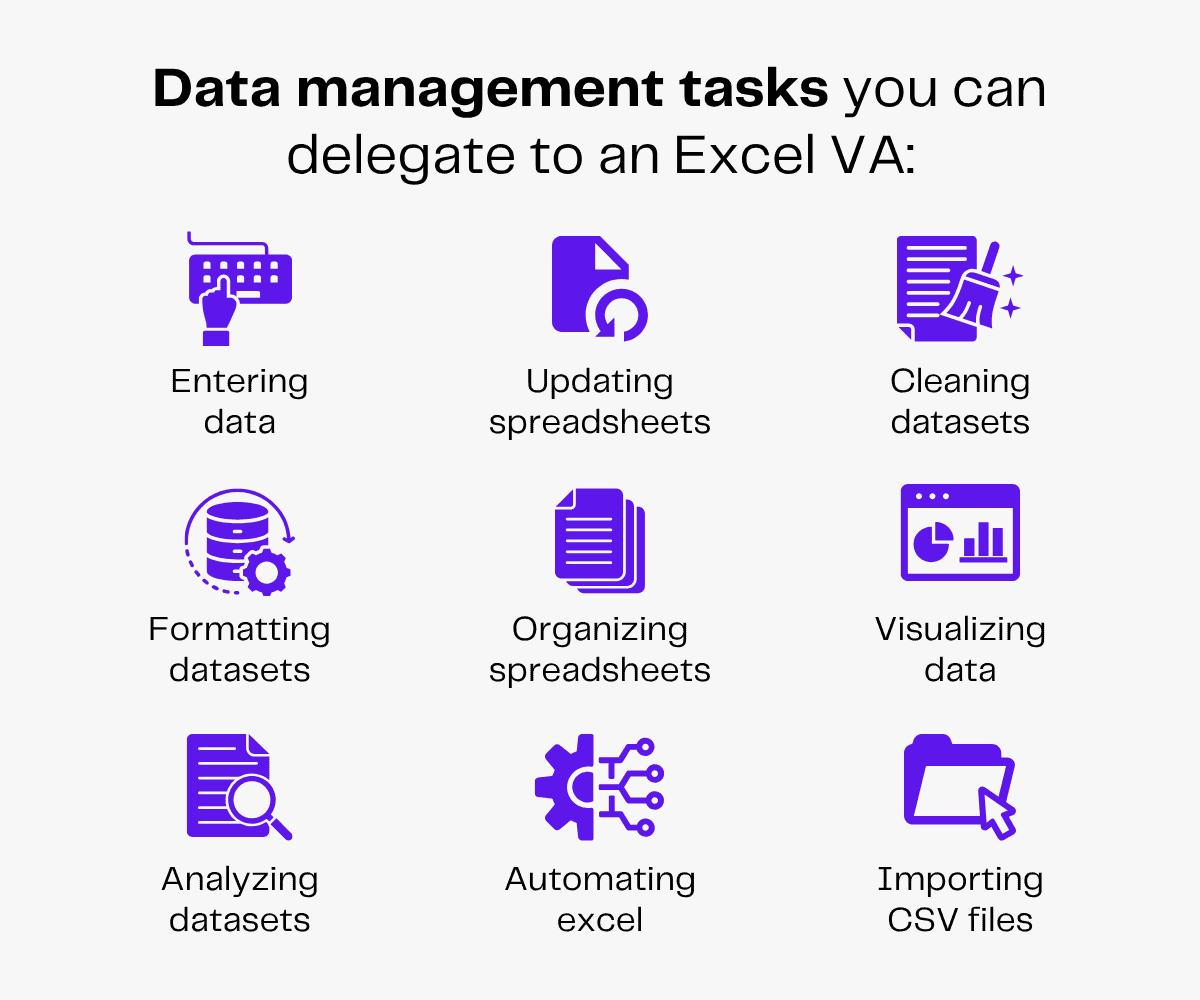
1. Entering Data
Data entry is the process of inputting collected data into relevant spreadsheets.
If you are conducting important research, you must store every bit of data as you go.
However, stopping often while researching to manually enter data can disrupt your workflow. This can lead to missing information and messy spreadsheets.
To make your work easier, consider hiring a virtual assistant for Excel.
Excel VAs can perform data entry for you. They can handle large amounts of data and compile information from different sources into a cohesive spreadsheet.
Since they have knowledge of keyboard shortcuts, they can also get this time-consuming task done way faster.
With someone taking care of entering data carefully, you can go back to researching uninterrupted.
Read more: Should You Outsource E-Book Data Entry Services to Virtual Assistants?
2. Updating Spreadsheets
Unfortunately, data, much like business, does not remain static. Collected data can quickly become outdated with changing business needs, market patterns or time in general.
This means it needs to be updated periodically if you want it to remain useful.
Updating data requires the laborious task of researching and re-checking existing data for accuracy.
Excel VAs can take care of updating your datasets regularly so you don’t have to.
Furthermore, they can routinely save them on the Cloud so your information is safe and easily accessible.
3. Cleaning Datasets
Data reliability is very important. Incorrect data can lead to inaccurate evaluations of your resources, which may then result in wrong decisions.
You want to avoid disasters at all costs, but you can’t have all your internal capacity focused on cleaning large databases either.
Excel virtual assistants can help you clean your data. They can weed out data redundancies, delete repetitive data and ensure that every entry is accurate.
4. Formatting Datasets
Slightly less scary than incorrect data but equally irksome are unkempt spreadsheets.
Imagine reaching for your well-researched database just to find a pile of figures and signs in tables that make no logical sense.
Unkempt data can also raise doubts about its validity. And because of the mess, it would be impossible for you to check its accuracy. Spending an hour decoding your datasets will affect your productivity.
This is why you need an Excel spreadsheet virtual assistant.
They know useful Excel tips and tricks and can organize your data into understandable blocks.
They can format your existing and new spreadsheets so you and your in-house members can easily navigate them.
This will decrease time spent on understanding datasets and increase efficiency.
5. Organizing Spreadsheets
Admit it, we all envy the Type-A people who naturally organize every little thing.
Secretly, we all want well-organized filing systems and spreadsheets with color-coded cells. Unfortunately, we rarely have time to go around adding these details, even when we know they will help us later.
This is another place where Excel VAs can help you.
From product information to sales records, they can ensure that all your data is stored in a way that helps you quickly find important information.
They can introduce and employ new, more efficient internal systems and update old datasets to fit them.
With your virtual Excel assistant, you can create a data organizing system that works best for you and finally scratch that perfect filing itch.
6. Visualizing Data
Turning your data into a visual format can help you better understand your business. Looking at the larger picture—pun intended—can help you understand information quickly and make sound business decisions.
With a visual representation, you can assess your business activity, customer engagement, expenditure and all other data at a glance. This can help you interpret large chunks of data faster and with high accuracy.
Data visualizations can show customer support teams where they’re putting in the most work.
Derek Steer, CEO, Mode Analytics
Support leaders are always looking for ways to improve customer service and lower costs, so visualizations that show how long it takes to resolve issues, which types of issues are the toughest to tackle, and where CSAT scores are the lowest will always have an audience.
Excel virtual assistants can help you turn your numeric data into visual inputs.
They can use Microsoft Excel tools like PivotTables and PivotCharts to create customized tables, graphs and images and make large datasets more digestible.
7. Analyzing Datasets
When dealing with a large amount of data, it can be hard to keep track of new developments.
If you had to pore over spreadsheets every time you needed to track your business progress, you would spend most of your time staring at raw numbers.
Excel VAs can help analyze your data and draw simple conclusions.
With their general summaries, you can save time and quickly get the information you need instead of going through spreadsheet after spreadsheet.
8. Automating Excel
Sometimes needing Excel support can mean less organization and more active assistance in statistical analysis.
It’s common knowledge that you can use Excel to perform basic calculations, but not everyone knows the Excel tips and tricks to apply them.
Sure, you can sacrifice your personal time to learn all the functions and formulas of Excel or you can make your work easier by delegating this task to a virtual assistant for Excel spreadsheets.
These VAs know basic Excel formulas and functions and can perform small statistical calculations to increase efficiency. They can also create Excel VBA scripts using VBA code generators for custom tasks.
Moreover, your VA can add Excel add-ins and create macros so that every time someone edits the spreadsheet, they don’t have to manually format it.
9. Importing CSV Files
Not all data looks the same. If you have worked with spreadsheets or databases before, you must have come across a comma-separated values (CSV) file. These types of files are widely used to share structured information.
When transferring datasets from different software and applications, you often get the information in the form of a CSV file.
This information needs to be converted into spreadsheets so it’s more accessible and understandable.
Your Excel virtual assistant can transfer all new data from different file formats into your system.
From data entry to automating Excel, a good Excel virtual assistant can do it all.
If you are looking for a talented VA to manage your spreadsheets, Zenius can help you find one.
We connect you with pre-vetted and trained virtual assistants who can perform all the tasks mentioned above and more.
Specialized Skills of Excel Virtual Assistants
An Excel virtual assistant helps you manage and organize your data. From data sorting, filtering and formatting to basic calculations, they know all the Excel tips and tricks for creating clean, accessible datasets.
Excel VAs also know how to use Excel add-ins, Excel VBA scripts and Excel formula generators.
Here is a list of skills that every good virtual Excel assistant should have.
- Comprehensive knowledge of Excel: Every Excel virtual assistant should know how to use the latest and previous versions of the program.
- Knowledge of functions and formulas: Excel VAs must be aware of keyboard shortcuts and all the basic functions and formulas like XLOOKUP and VLOOKUP. They should also know when and where to apply them to maximize efficiency.
- Familiarity with Microsoft tools like PivotTables: Microsoft has several tools that can help you consolidate data. Every Excel VA should have the skills to use tools like PivotTables to enhance your business processes.
- Talent for using VBA macros: Along with functions and tools, VAs for Excel should have basic knowledge of Visual Basic for Applications (VBA) macros to create custom functions and automate Excel-related tasks.
- Technical problem-solving skills: Like any other program, Microsoft Excel is prone to occasional errors. Excel VAs should be aware of common problems like lagging or freezing that can occur when accessing spreadsheets and know how to troubleshoot technical issues.
- Robust time-management skills: If your business relies heavily on collecting and analyzing data, you need people who can manage their time effectively. Therefore, every Excel VA should understand the need for time management and cultivate that skill.
- Sound communication skills: As remote workers, every Excel VA should have strong communication skills so they can effectively communicate with your internal team and provide support when needed.
Benefits of Hiring Virtual Assistants for Excel Spreadsheets
Virtual Excel assistants are versatile remote workers trained in using Excel for data organization. They’re a cost-effective, scalable solution for all your spreadsheet management needs.
By appointing a VA for Excel tasks, you can rest assured that your data is being handled with the utmost care and accuracy.
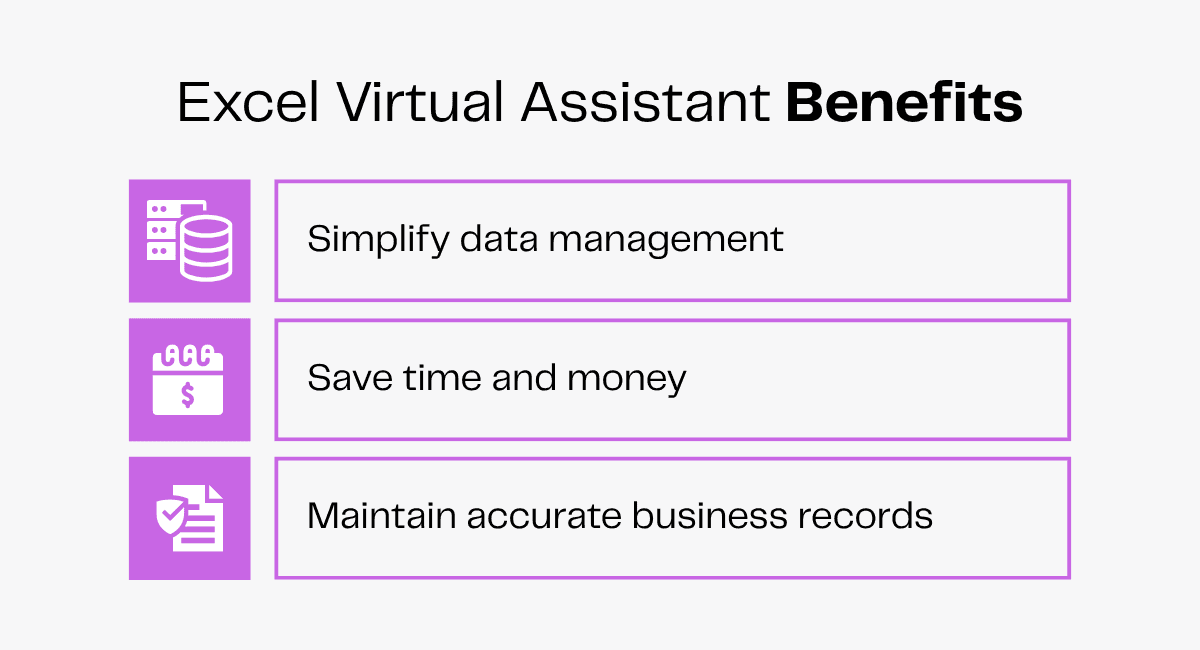
Simplify Data Management
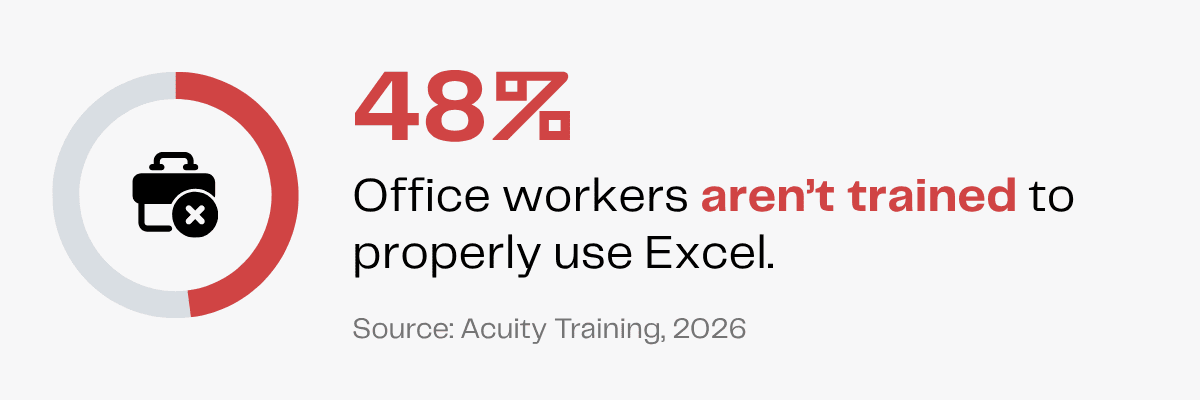
With 48% of office workers never receiving any formal Excel training, your employees may lack the chops to use Excel to its full capacity.
It’s much more efficient to let a dedicated VA who knows what they’re doing manage your data.
Hiring Excel VAs also eliminates your reliance on AI or other complicated data management software.
Using AI can often come with security risks. Meanwhile, using complex data management systems like MYSQL or Python can be a chore.
Speaking on the user-friendliness of Excel, a social media user says,
Excel wins for one reason. One screen. You can see all your data in one place. Filter, pivot, add more rows, columns do what you like. CRMs unfortunately demand technical know-how, training; a luxury most business owners don’t have.
Excel VAs can help you optimize your Excel spreadsheets for better performance and avoid the risks and burdens associated with AI and big data management software.
Save Time & Money
One of the biggest challenges when handling data is time. From collecting data to organizing it, every part of data management takes time.
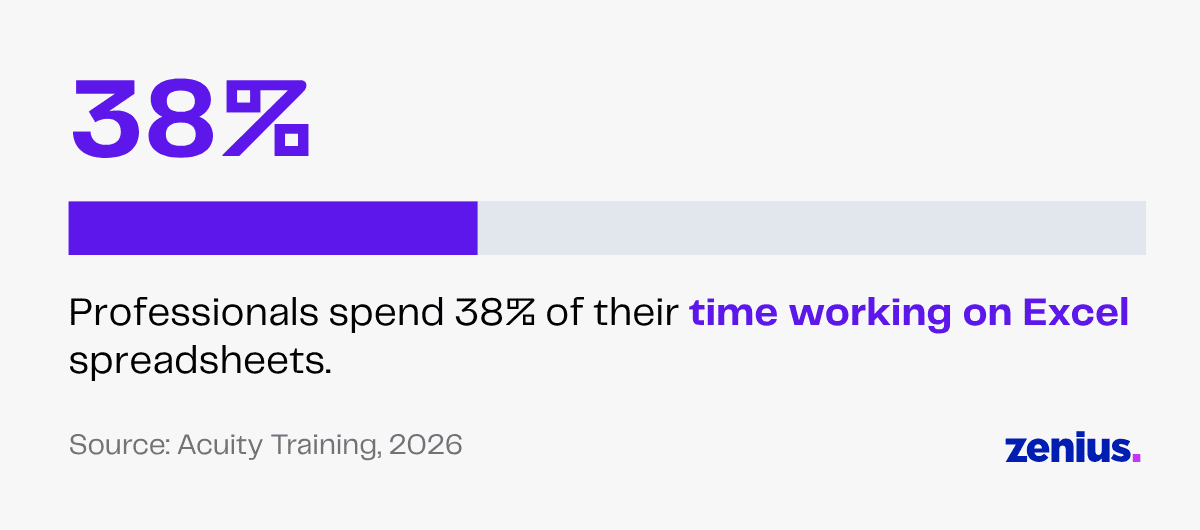
Surveys reveal that professionals spend 38% of their time on Excel spreadsheets.
Excel VAs are a cost-effective hiring option that helps you save time and delegate important but non-essential routine data management tasks.
By hiring Excel VAs, small enterprise owners can also scale their business according to needs without the additional burden of hiring full-time employees.
Plus, you can finally focus on core business activities and enjoy the benefits of a reduced workload.
Maintain Accurate Business Records
There’s no doubt that we live in a data-driven economy. When data is what helps you analyze your customers and evaluate your business progress, you can’t slack off on data organization.
Even simple mistakes in data entry can throw off your calculations, leading to suspension of day-to-day operations, delays in core functions and long-term setbacks.
But with Excel VAs taking care of data entry, you don’t need to worry about glaring mistakes in your spreadsheets or delays in your day-to-day projects.
They make sure all your data is carefully entered, regularly updated and adequately organized.
They can also use Excel add-ins like Solver to help with calculations and analysis.
Whether it’s customer information or financial records, VAs create and maintain clear spreadsheets for everything so you can retrieve the necessary information quickly and efficiently when needed.
FAQs
What data entry tasks can an Excel VA do for me?
They can input data from documents, invoices or scanned pages into Excel, cross-check information, delete or update outdated records, convert CSV files to Excel and format data to create neat, readable spreadsheets.
How can Excel virtual assistants help me analyze datasets?
Excel virtual assistants help you analyze datasets by turning raw numbers into insights. They can clearly organize information into cells and columns, group data using Pivot Tables and use formulas such as XLOOKUP or VLOOKUP for easy data retrieval.
What are some tips and tricks for using Excel?
You can press Ctrl+T on a cell to instantly turn your data into a table! Another trick is to press Ctrl + ; to insert today’s date and Ctrl + Shift + ; to insert the present time.
Wrapping Up
In the 21st century, your business’s success depends on the optimal use of your data.
Incorrect data can be a danger that costs you and your business valuable time and money.
By updating, formatting and organizing your data, Excel virtual assistants help you maintain accurate, up-to-date business records.
This way, you can make reliable financial projections and empower your business with data-backed decisions.