
Key Takeaways
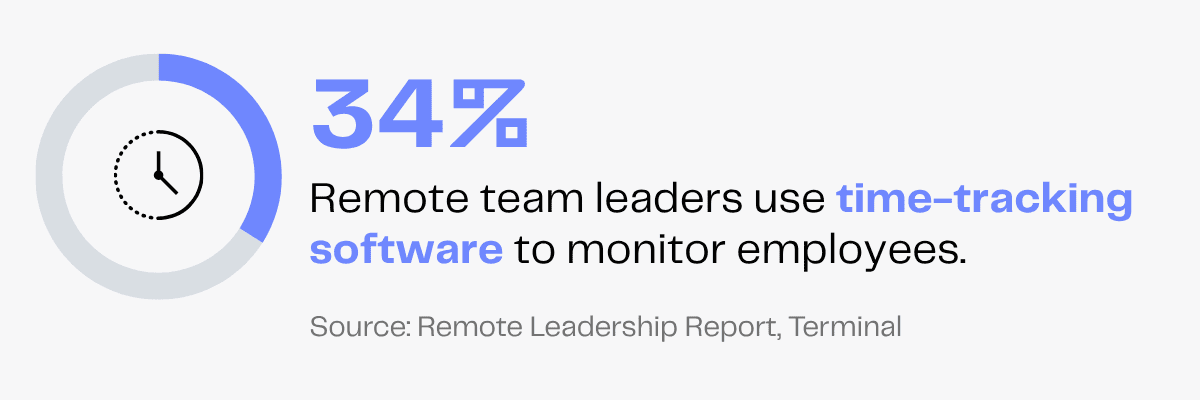
34% of remote team leaders use time tracking tools to monitor their employees.
Proper time management can increase productivity by 20%. Time tracking tools record time spent on each task and identify bottlenecks, helping VAs manage their time more effectively.
While time trackers help measure work hours and activity levels, you must assess work quality to evaluate true productivity.
Your virtual assistant has finally crossed off today’s checklist, but they took longer than expected. You want to know which tasks slowed them down, so you can speed up workflows in the future.
That’s what time tracking software helps you do.
Tracking your virtual assistant’s work via these tools isn’t just about counting hours, but unlocking more productivity and achieving greater peace of mind.
After all, in the fast-paced business world, even small delays can stall your operations. And if time is money, you need to keep track of it, right?
Not using time tracking apps deprives you of essential insights into your virtual assistant’s work, like total active hours, time-on-task and more.
But with a comprehensive time-tracking report, you can uncover these details and delegate efficiently for more productive results in the future.
What Are Virtual Assistant Time Tracker Tools?
Since the rise of remote work culture, time tracking tools have grown in popularity. They help leaders keep an eye on their virtual team, even from continents away.
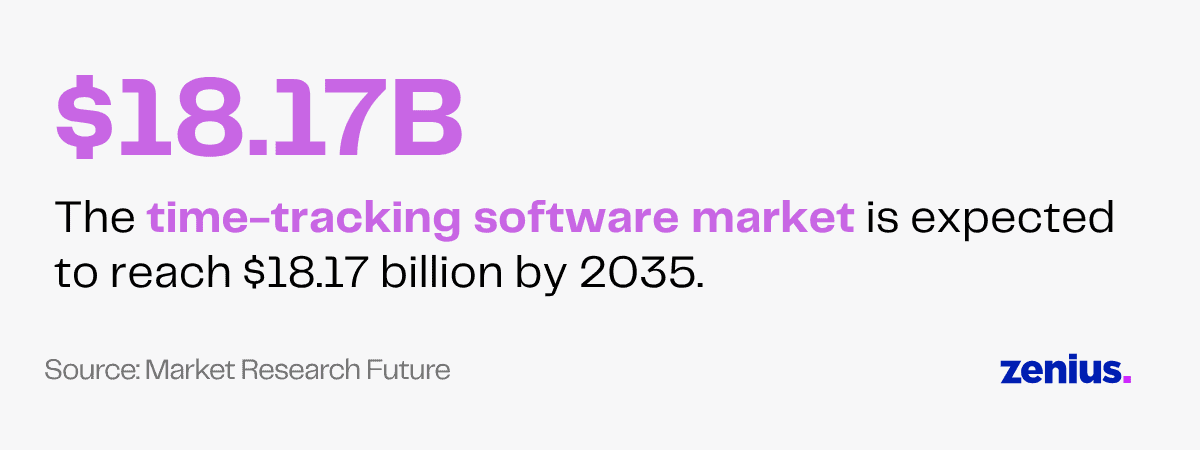
The time-tracking software market size is expected to reach $18.17 billion by 2035, growing at a CAGR of 16.5% from 2025 to 2035.
A time tracker is a digital application that records, monitors and analyzes how much time is spent on a task, a project or any particular activity.
It generates comprehensive reports to help you measure employee productivity and improve project management.
They are easy-to-use software used by businesses worldwide for various purposes like:
- Generating digital timesheets
- Tracking project progress
- Recording clock-in/clock-out times and active hours
- Capturing activity logs
- Checking periods of inactivity
These insights give managers clearer insights into how time is actually spent, making it easier to optimize workflows and boost productivity.
34% of leaders use time tracking apps to monitor their remote employees.
Here at Zenius, we can assist you with your VA’s day-to-day time tracking to give you better visibility into their progress.
Best Time Tracking Tools For Virtual Assistants
There are tons of time tracking apps for virtual assistants online.
Some even capture minute details such as mouse activity, keystrokes and website activity.
Choosing the right tool that perfectly fits your goals and your team is essential.
To help you save time, we have curated a list of the best virtual assistant time tracker tools for measuring productivity.
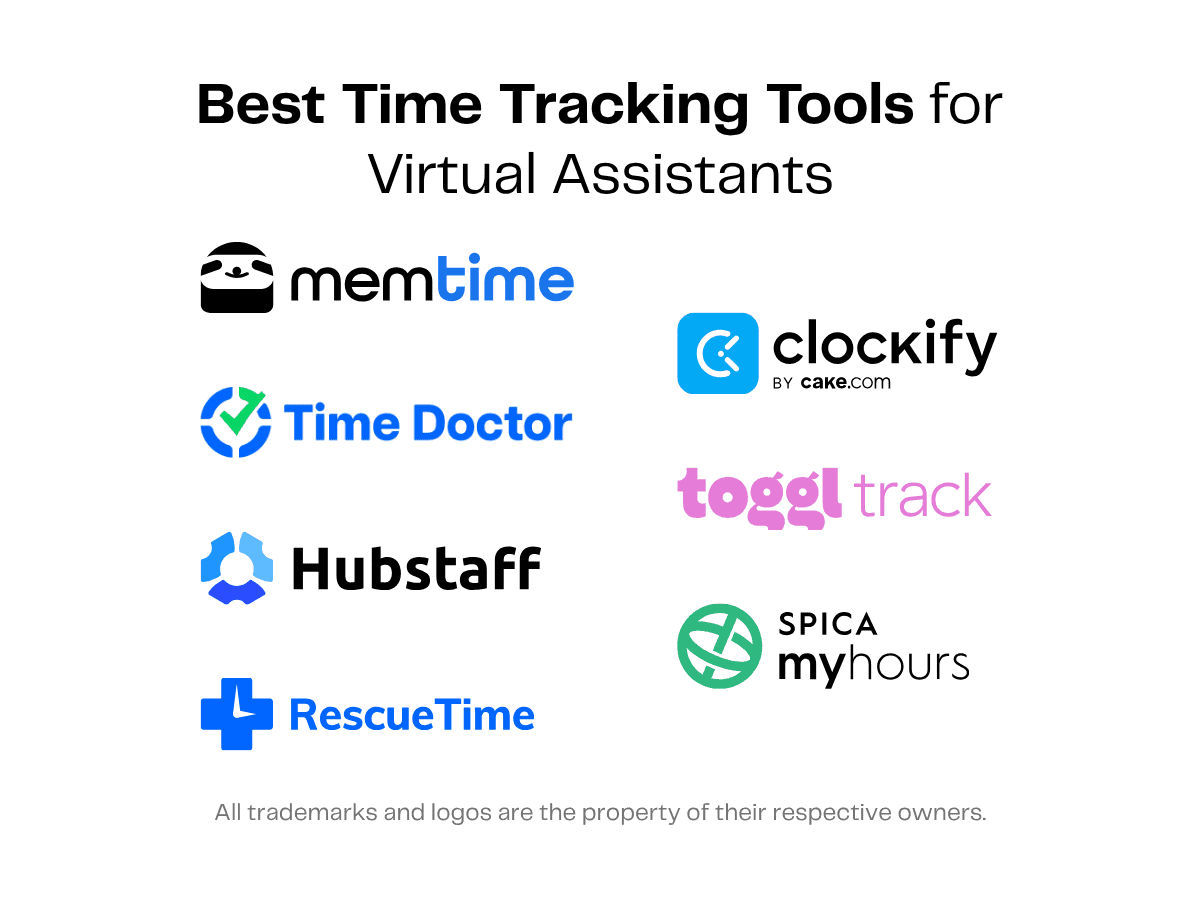
1. Toggl Track
Toggl Track is a time-tracking software that monitors how long workers take to complete projects and creates detailed reports to increase productivity.
With calendar integration for easy entry and extensions available for every device, this software makes tracking time effortless.
It offers you a clear view of projects, hours worked and billable hours. You can also get detailed summaries and weekly reports to see how much time your VA is spending on what.
Toggl Track offers both free and paid subscriptions starting at $12 per user monthly, with services catering to big teams and small businesses alike.
A few specific features of Toggl Track are:
- Automated time and activity tracking
- One-click work timer
- Timesheet reports
- Online invoicing
- Time reporting and analytics
- Third-party integrations
2. Time Doctor
Time Doctor aims to empower individuals to perform their best regardless of where users are based.
With a dedicated system for different industries and types of work, Time Doctor has the best remedy for anyone looking to simplify workflows.
You can get a clear picture of your remote team’s performance and productivity.
It provides a 14-day free trial that can be converted to a full-fledged plan. The basic plan billing starts from $8 per user per month.
Time Doctor’s features include:
- Productivity analytics
- Employee monitoring
- Workforce analytics
- Unusual activity reporting
- Team insights
- Software cost insights
- Management insights
3. Clockify
Clockify is one slice of the CAKE.com productivity suite, along with Plaky (project management tool) and Pumble (business communication tool).
It offers various features and pricing options you can opt for based on your requirements.
There’s a free subscription option for time and activity tracking that includes time logs, auto trackers, idle detection and more.
The basic plan starts at $4.99 billed monthly. Other plans come with added benefits, such as:
- Timekeeping
- Reporting
- Forecasting
- Attendance and overtime tracking
- Shift scheduling
- Payroll calculation
Clockify aims to support its clientele with 24/7 customer service and help them be productive in their everyday lives.
It serves a diverse client base including office, remote and field workers.
4. Hubstaff
Hubstaff is a productivity tracking software you can use to record work hours, track activity rates and capture screenshots of your VA’s screen at regular intervals.
Its user base has expanded over the last few years, thanks to the platform’s smooth interface and seamless integrations.
Hubstaff provides a 14-day free trial, with the basic plan starting at $7 monthly.
Optional add-ons like performance insights, more screenshots and location tracking are available, each at a special price.
Hubstaff’s offerings include:
- Time tracker with screenshots
- Employee timesheet
- GPS time tracking
- Overtime tracker
- Time reporting
- Attendance tracker
- Activity rates tracking
- Workforce analytics
The Hubstaff app can be downloaded on multiple devices, making time tracking a smooth experience.
It provides a comprehensive analysis of your workforce, helping you enhance the overall productivity of your team.
5. My Hours
With more than 20 years of industry experience, My Hours helps you track, review and analyze your team’s productivity.
It also makes it easier to plan project budgets and is compatible with various apps and devices.
My Hours has a free plan for a team of 5 users and paid plans starting at $5 per user per month.
Large enterprises can also choose a custom plan and unlock an umbrella of advanced features, such as:
- Time and activity tracking
- Projects and budget organization
- Billing
- Timesheet reports
- Team management
- Integrations & mobile apps
- Enterprise-grade security
Organizations with 20+ users can book a demo to check the product live and see how the process feels.
6. RescueTime
RescueTime is a two-in-one platform that helps you track time and optimize productivity.
While RescueTime Timesheets allow activity tracking, time entries and reporting, RescueTime Focus lets you set goals and improve concentration.
Your VA can block distracting websites and build better habits with focus sessions in the app. It also provides distraction alerts, helping them focus on your tasks and work more efficiently.
RescueTime has several plans, starting with a solo plan billed at $15 monthly with a 14-day free trial.
It has various features like:
- Automatic timers
- Productivity trends and insights
- Easy project tracking
- Calendar integration
- App integration
7. Memtime
Memtime is a time tracking tool that runs in the background and records each second of work.
It lets you log everything your VA works on, for how long and using which tools. These insights give you accurate data on billable time and help you plan future projects more effectively.
Memtime frees workers from the stress of manual time tracking, so they can focus on tasks without worrying about forgetting to turn the timer on.
The tool is available with a 14-day free trial, which can be extended to a basic plan of $14 per user per month, billed annually.
The features include:
- Automatic time tracking
- Activity and time logs
- Project management
- Phone call tracking
- Custom reporting
- User management
- Calendar integration
- Productivity insights
Memtime also guarantees privacy and saves data offline on a single device.
Read more: 30 Useful Virtual Assistant Tools and Software
Benefits of Time Tracking for Virtual Assistants
Asking your virtual assistant to recall all the tasks they did in a day isn’t realistic. It also increases the chance of mix-ups and errors.
Time trackers make it easy by recording each task VAs work on. You can monitor exactly how they use their time, keep an eye on idle time and track productivity levels.
There are no risks of inaccurate entries or timesheet errors.
Plus, you can use insights from these tools to delegate work efficiently and streamline project management.
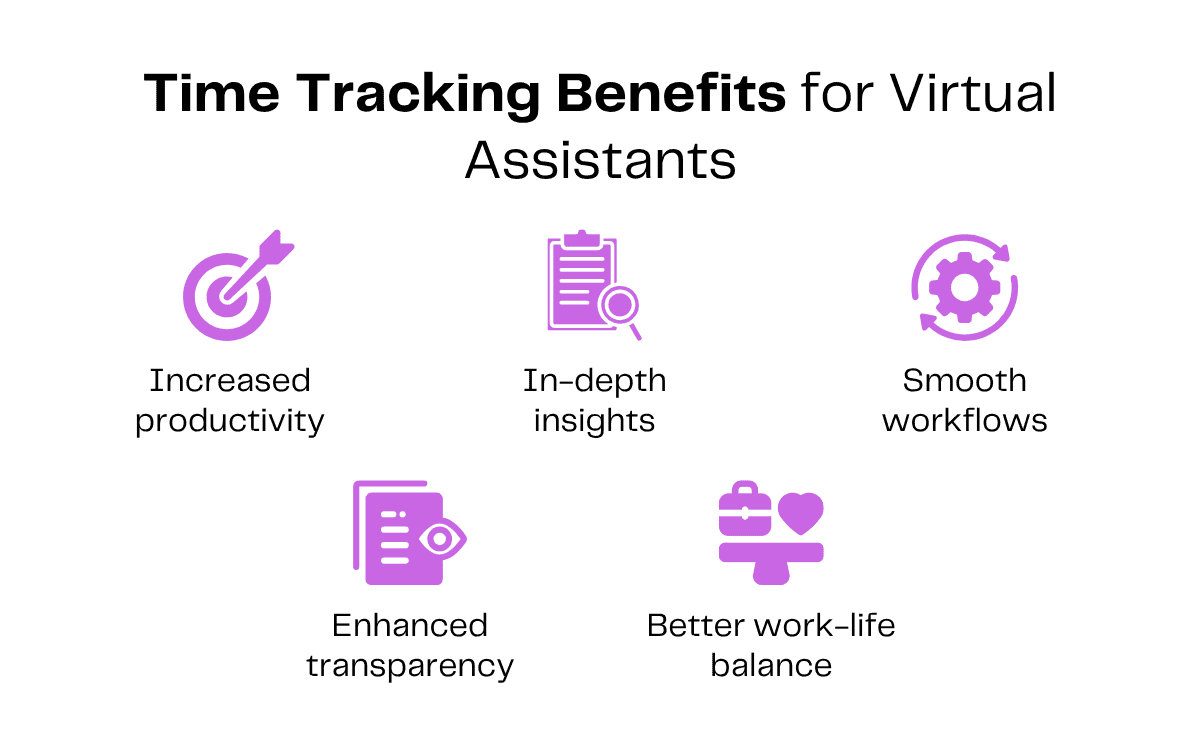
Here are a few more benefits of using time trackers for VAs.
Increased Productivity
When there is tons to do, many workers resort to multitasking.
However, continuously switching tasks is distracting, resulting in reduced focus and frequent errors.
Time tracking tools can help you identify such distractions, so you can discuss how to reduce them with your virtual assistant.
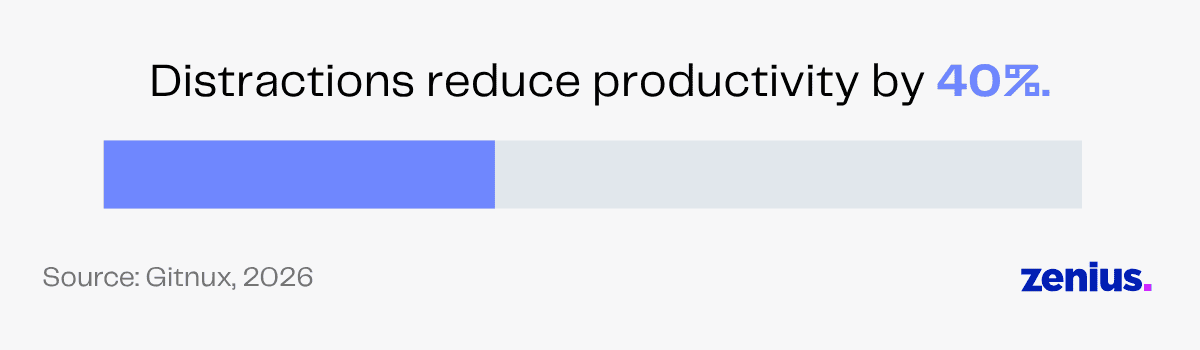
This is extremely helpful since distractions can slash productivity by 40% on average.
You can ask VAs to stay focused on one task at a time. This increases productivity and reduces the chances of mistakes.
Some time tracking tools also let you schedule time blocks for specific tasks. You can use them to set a clear task list for your VA.
It will enable them to complete the assigned tasks in order while prioritizing the most important one first.
In-Depth Insights
Most virtual assistant time trackers have an inbuilt feature to summarize tasks and give comprehensive data on how much time was spent on each.
This gives managers a deeper understanding of their VA’s productivity, helping them brainstorm strategies to improve it.
Time tracker reports also give an overview of the project status and the estimated time required to complete it within deadlines.
You can get error-free, insightful reports on your VA’s work, without any manual time tracking or handwritten reports.
Commenting on how valuable Toggl has been for her organization, a creative professional at RogueMark Studios said:
Toggl has given us actual data about our labor; we’re able to see how much time each step of our creative process takes. It has allowed us to reconfigure our budgets, contracts, and schedules to more accurately match a realistic timeline.
Smoother Workflows
Time tracking tools help you track your VA’s billable hours, activity rates, productivity levels and time taken to complete each task.
Using this data, you can delegate work and set goals more effectively for smoother workflows.
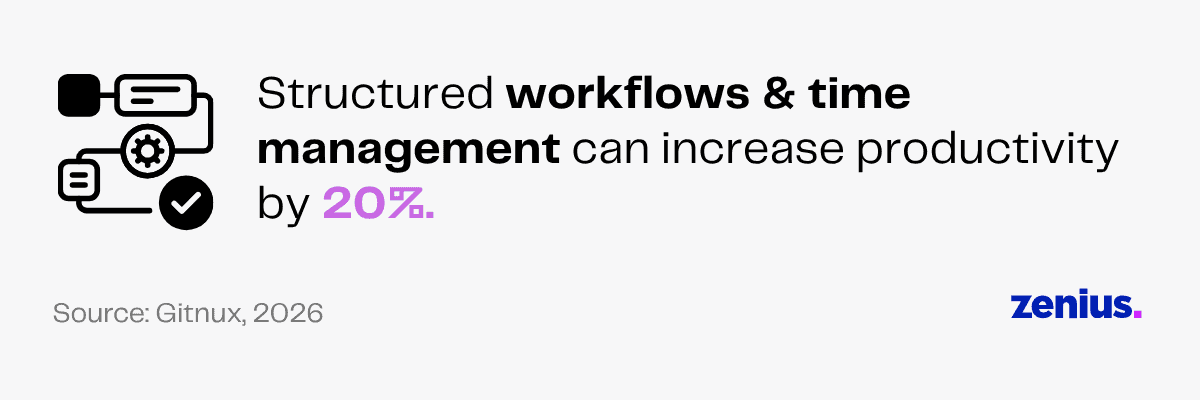
Research suggests that structured workflows and proper time management can boost productivity by 20%.
Tools like RescueTime also come with focus sessions, enabling your virtual assistant to block digital distractions and engage in deep work.
What’s more, most time tracking software integrates seamlessly with your project management tools, payroll systems and calendars.
This reduces your admin workload by automating timesheet reports and work logs.
Enhanced Transparency
Time tracking tools for virtual assistants give you a clear view of their performance.
You can stay assured about your work getting done on time and delegate tasks without second thoughts.
Any doubt regarding your VA’s work or productivity can be resolved by referring to the data recorded by time tracking tools.
This ensures transparency, builds trust and helps strengthen the relationship with your VA.
Moreover, you can easily track which tasks are getting delayed and ask your VA to prioritize them to optimize workflows.
You can also set clear expectations, making it easy for VAs to deliver projects effectively.
Improved Work-Life Balance
When time trackers are used, you can see what your VA is working on every day.
If you notice your VA working overtime or juggling too much at once, you can adjust their workload accordingly.
You can also use this data to estimate more accurate task completion rates in the future.
On the other hand, say your VA always completes their work well before deadlines. That’s a great sign you’ve got an efficient VA by your side and you can add more work to their plate!
Since time tracking tools help you identify bottlenecks, your VA can also analyze which tasks slow them down.
They can come up with ways to overcome these obstacles and improve their speed, preventing the need to work overtime.
This way, your VAs can ensure consistent performance and maintain a healthy work-life balance.
How To Track Your Virtual Assistant’s Hours
Time tracking is a great way to measure performance in offshore teams.
But to reap the benefits of productivity tracking software, you need to know how to use it properly.
Here are a few tips for tracking your virtual assistants.
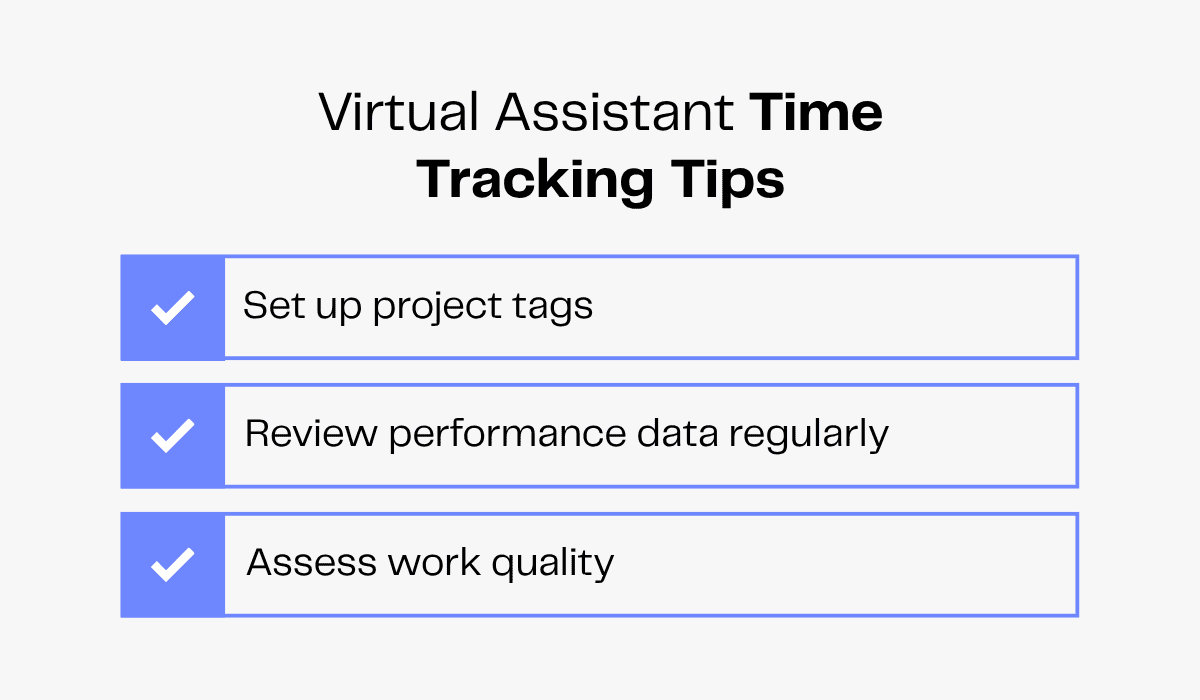
Set Up Project Tags
Do you remember separating notebooks into sections using colorful markers? Project tags are a similar feature that let you categorize your time logs.
Creating a mind map of different task tags and discussing them with your VA before you delegate work would be a great start.
For example, if you’ve hired a social media VA, you can create separate tags for research, posting content and responding to comments.
Both of you will be on the same page and collaboration will become easier.
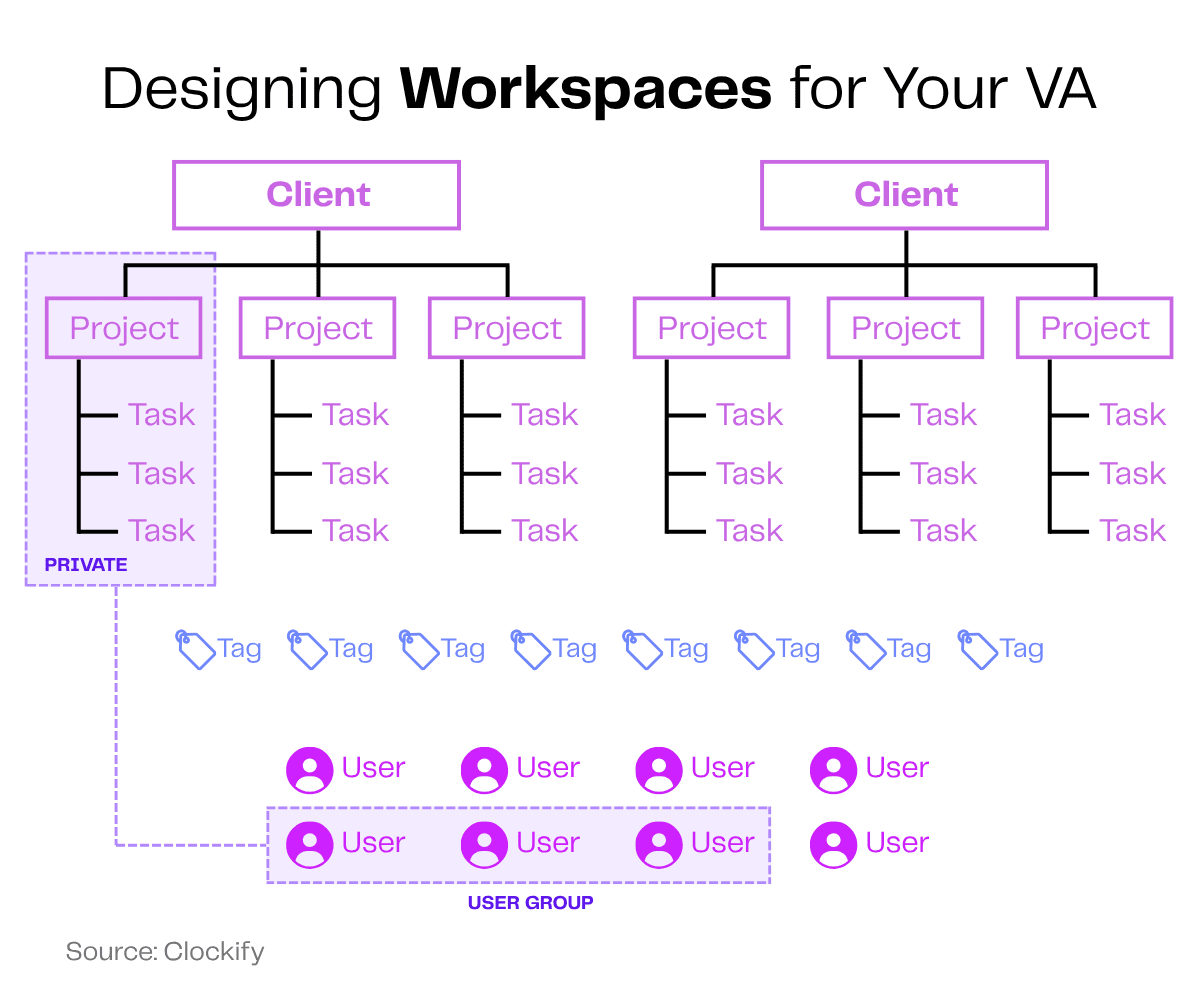
You can use tag words or colors to mark urgent or low-priority tasks, too. Tags are also helpful if you want to filter performance reports by specific tasks.
Here’s how a Clockify client uses tags:
We use tags to categorize everything. At the end of the week, we will analyze how much time we’ve spent on each task and decide: ‘Is this something we need to figure out how to minimize?’ So we’ll use tags to label tasks like ‘minimize’ or ‘keep doing,’ for example.
Review Performance Data Regularly
To get a better understanding of what your VA is working on, you should review the time tracking data and timesheets regularly.
This will offer insights on how to set goals to help virtual assistants perform optimally for your business.
You can also assess the productivity of your VAs and decide the amount of work you wish to delegate to them.
This will reduce the chances of VAs working overtime as well.
Reviewing performance data from time tracking tools regularly is essential to improve your workflows in the future.
Assess Work Quality, Not Just Hours
Without concrete assessments, you can get stuck in the analysis loop. You may mistake the number of hours worked as total productive time.
When analyzing reports, look at the amount and quality of work done in a specific time period to gauge your VA’s productivity. Solely relying on tags and time punched won’t offer a holistic understanding.
So, don’t just look at the hours your VA worked on social media management. Check the quality of social media graphics they created, the captions they wrote and how many posts they updated across multiple platforms.
This is because work hours don’t signify the quality of work.
It’s always best to consider how well the work is done, rather than just how much of it is done.
FAQs
Why is it necessary to track my virtual assistant’s hours?
Tracking your VA’s hours helps you see which tasks they’re spending time on and for how long. It maintains clear, transparent work logs and also ensures accurate billing.
How can I improve my VA’s productivity using time tracking tools?
Time tracking tools reveal your VA’s active work hours, website activity, idle time and more. If they appear to task-switch too often or waste too much time on certain tasks, you can have an open discussion with your VA and help them be more productive.
What features should I look for in a virtual assistant time tracker tool?
Some helpful features you should look for are one-click timers, comprehensive reports, productivity analytics, mobile accessibility and seamless integrations with other apps.
Final Thoughts
Thanks to time tracking tools, monitoring remote teams has never been easier. With just one click, you can get data on your virtual assistant’s work hours, productivity and activity.
This helps companies delegate tasks more efficiently, simplify workflows and ensure projects are completed on time.
And since every bit of activity is recorded and tracked, these tools also motivate employees to work more diligently.
Of course, if you’ve got a hard-working VA, you’ve hit the jackpot, because you don’t need to worry about them slacking off at all.
You can simply use time tracking tools to monitor their work and push them to perform even better.